How do I check region and age?
Region and age are two of the most important prerequisites. If the account is not in a supported region, or if age verification has not been completed, the task may fail even when the submitted information is otherwise correct.
Check the account region
Open Google Terms: https://policies.google.com/terms
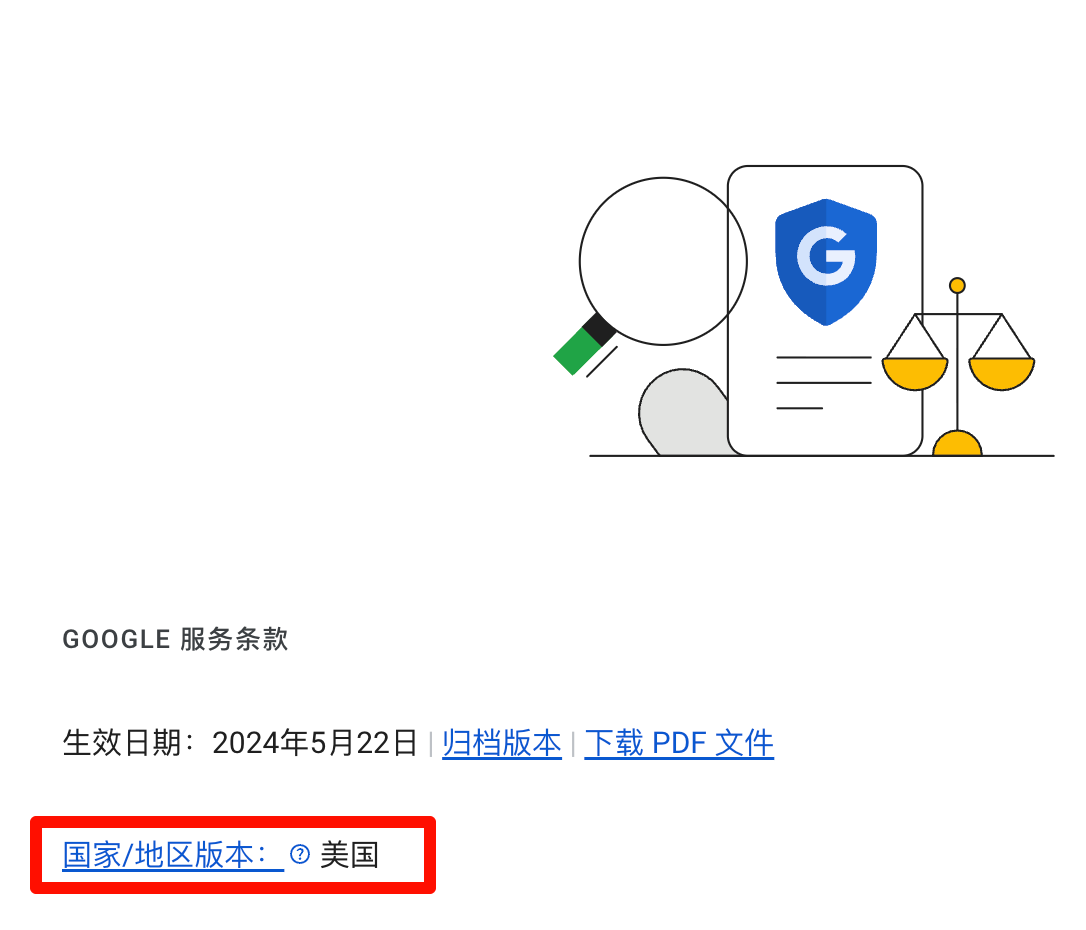
Check whether the account belongs to a supported region. In the screenshot, the account region is the United States, which qualifies.
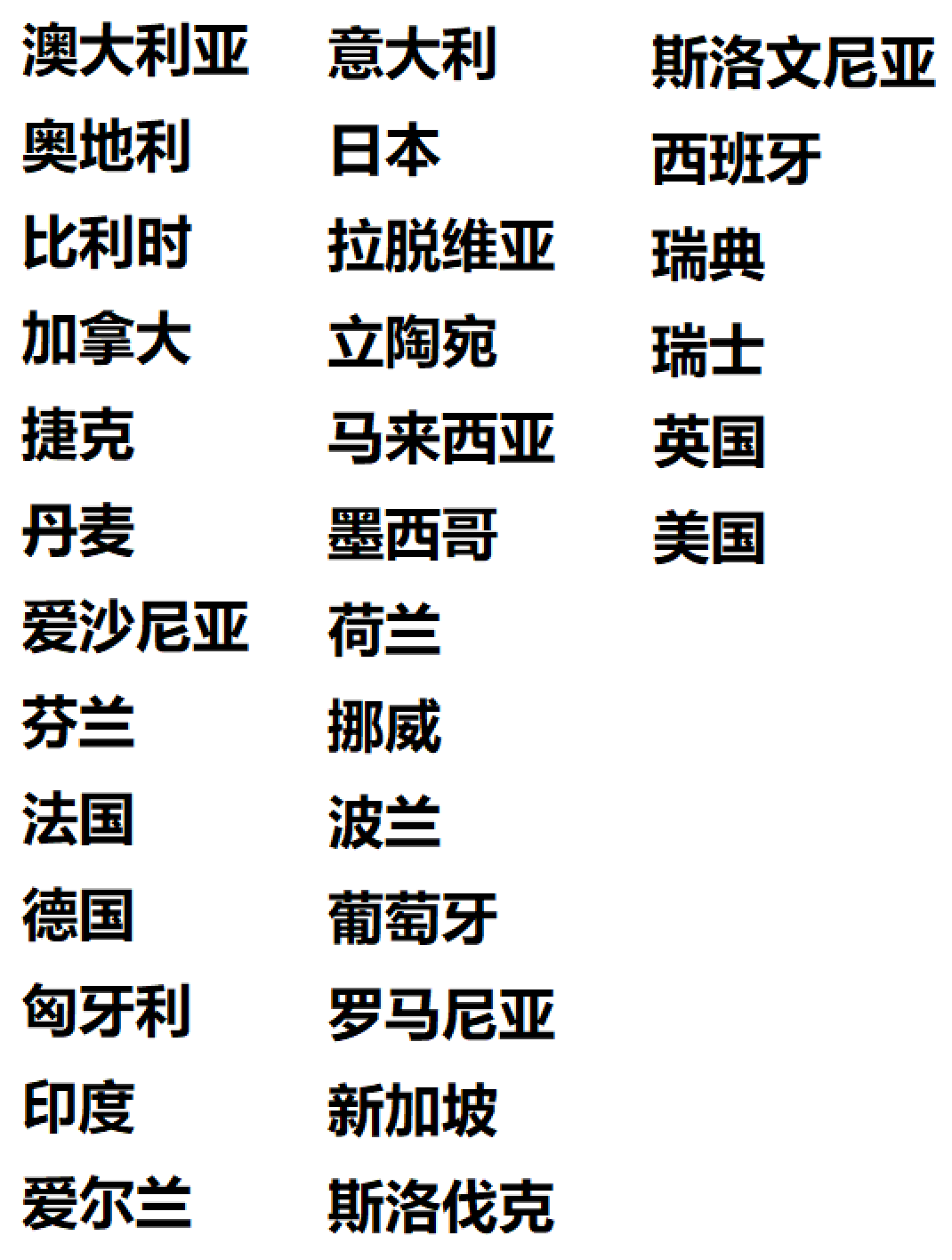
Check age verification
Open the age-verification page: https://myaccount.google.com/age-verification?utm_source=p0
Please note
- Region and age are not checked in the same place, so do not verify only one of them.
- If the payments-profile region is incorrect, Google’s official guidance usually requires creating a new payments profile for the correct country instead of editing the current one directly.
Official help: